

Coming soon for macOS
Bella ScreenRec
Record tutorials with you and your keys in the picture.
Pick a screen, a window or a region, switch on your camera and the key display, press record. What you see on screen is what ends up in the MP4.

- macOS for now
- Free with 20 s recordings
- Made in Switzerland
01
Everything in one bar.
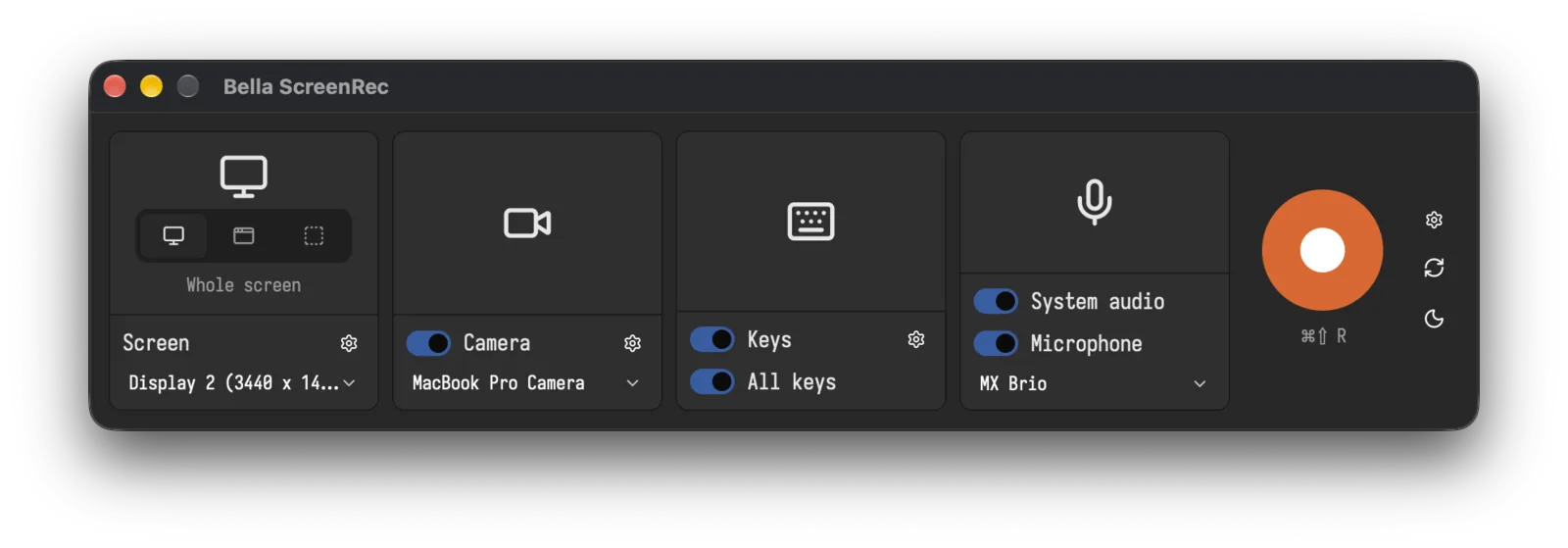
One tile each for the source, the camera, the keys and the audio, each with its own settings. The record button shows its hotkey, and the same hotkey stops the recording.
02
You, on top of your screen.
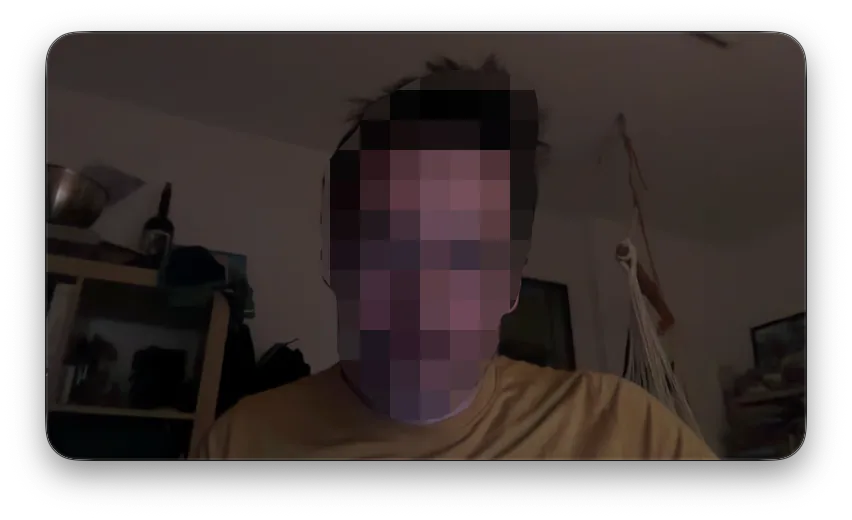
Your camera floats above every window. Drag it where it fits, drag its edge to resize it. It is in the video because it is on the screen.
03
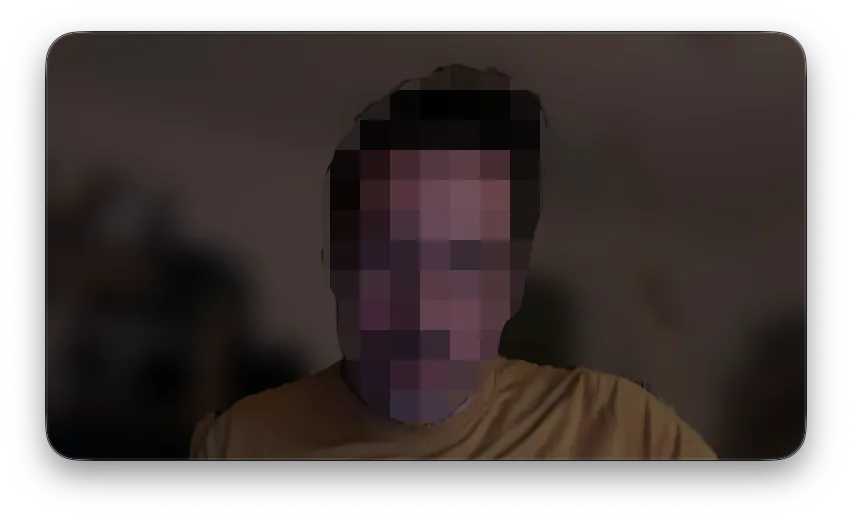
Blur the room.
The background behind you is blurred, you stay sharp. On by default, worked out on your Mac.
04
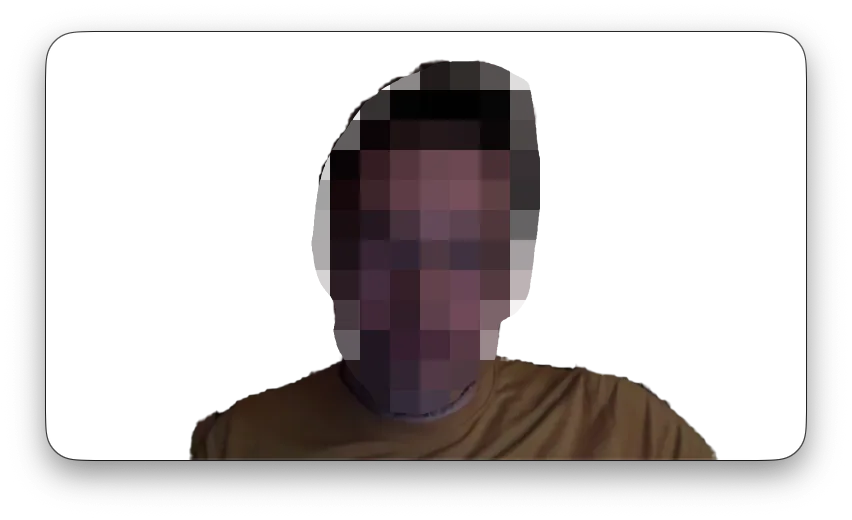
Or remove it.
Only you stay. Your screen shows through where the room was, so you stand right next to what you explain.
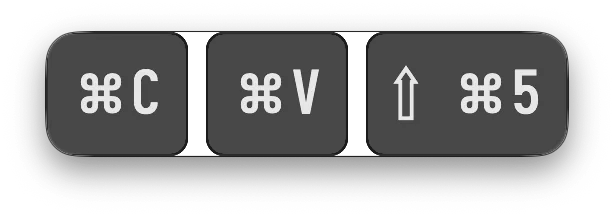
Show the keys you press.
Shortcuts and special keys appear as badges, a repeat shows a count, and they fade out after a time you set. Plain typing stays private unless you switch on all keys.
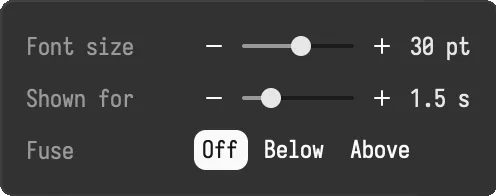
Size and timing, your way.
Set the font size and how long each key stays. Fuse the keys with the camera into one window, with the keys below or above.
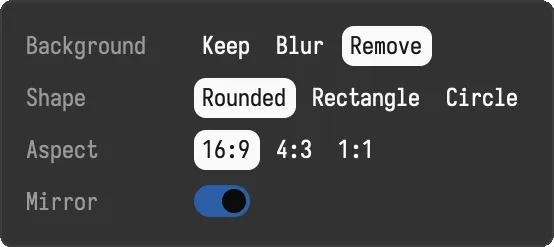
Your camera, your shape.
Keep, blur or remove the background. Rounded, rectangle or circle, in 16:9, 4:3 or 1:1, mirrored or not.
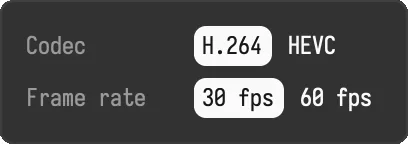
Straight to MP4.
H.264 or HEVC at 30 or 60 frames per second, encoded by your Mac's hardware, with microphone and system audio. No editor in the way: open the file in the tool you already use.
Specifications
- Platform
- macOS 15 or later on Apple silicon. Windows and Linux later.
- Licence
- Free to use with recordings of up to 20 s. Buy once for unlimited recordings (all updates of that major version)
- Sources
- A whole screen, one window or a region
- Video
- MP4, H.264 or HEVC, 30 or 60 fps
- Audio
- Microphone and system audio
- Camera
- Background blur or removal, worked out on your Mac
- Privacy
- No tracking. Online only for the licence and the update check
At a glance
- Bella ScreenRec
- MP4H.264 or HEVC, 30 or 60 fps
- RECOne hotkey starts and stops
- 1.5 sKeys fade after the time you set
- 20 sFree recordings, as many as you like
- 3Record a screen, a window or a region
- Background removed
- Shortcuts as badges
- Background blur
 Round, rounded or rectangle
- 14.95CHF once, plus VAT
Questions
When can I get it?
Soon, for macOS first. Windows and Linux follow later.
What does it cost?
Without a licence it is free, with no end date, and each recording stops after 20 seconds. For unlimited recordings you buy it once for CHF 14.95 plus VAT, and every update of that major version is included.
Which Macs does it run on?
On Macs with Apple silicon and macOS 15 Sequoia or later.
Does it show everything I type?
No. By default it shows only shortcuts and special keys, so passwords and typed text stay private. Switch on all keys if you want plain typing in the video too.
Are the camera and the keys in a window recording?
No. A window recording shows only that window. Record the whole screen or a region to have them in the video.
Does my camera image leave my Mac?
No. Blur and background removal run on your Mac. The app goes online only to activate the licence and to check for updates.
Coming soon.
Bella ScreenRec is not released yet. It comes for macOS first. Without a licence it does everything, with no end date, but each recording stops after 20 seconds. Buy it once and activate it once online to record as long as you like.
CHF 14.95 once, for every update of the major version. Price plus VAT.
Release date to be announced.