

Shareware
Bella Commander
The dual-pane file manager for macOS, Windows and Linux.
Two panes, a command palette and a shortcut for almost everything. Browse, search, rename, compare and synchronize without leaving the window.
01
Two panes. One window.
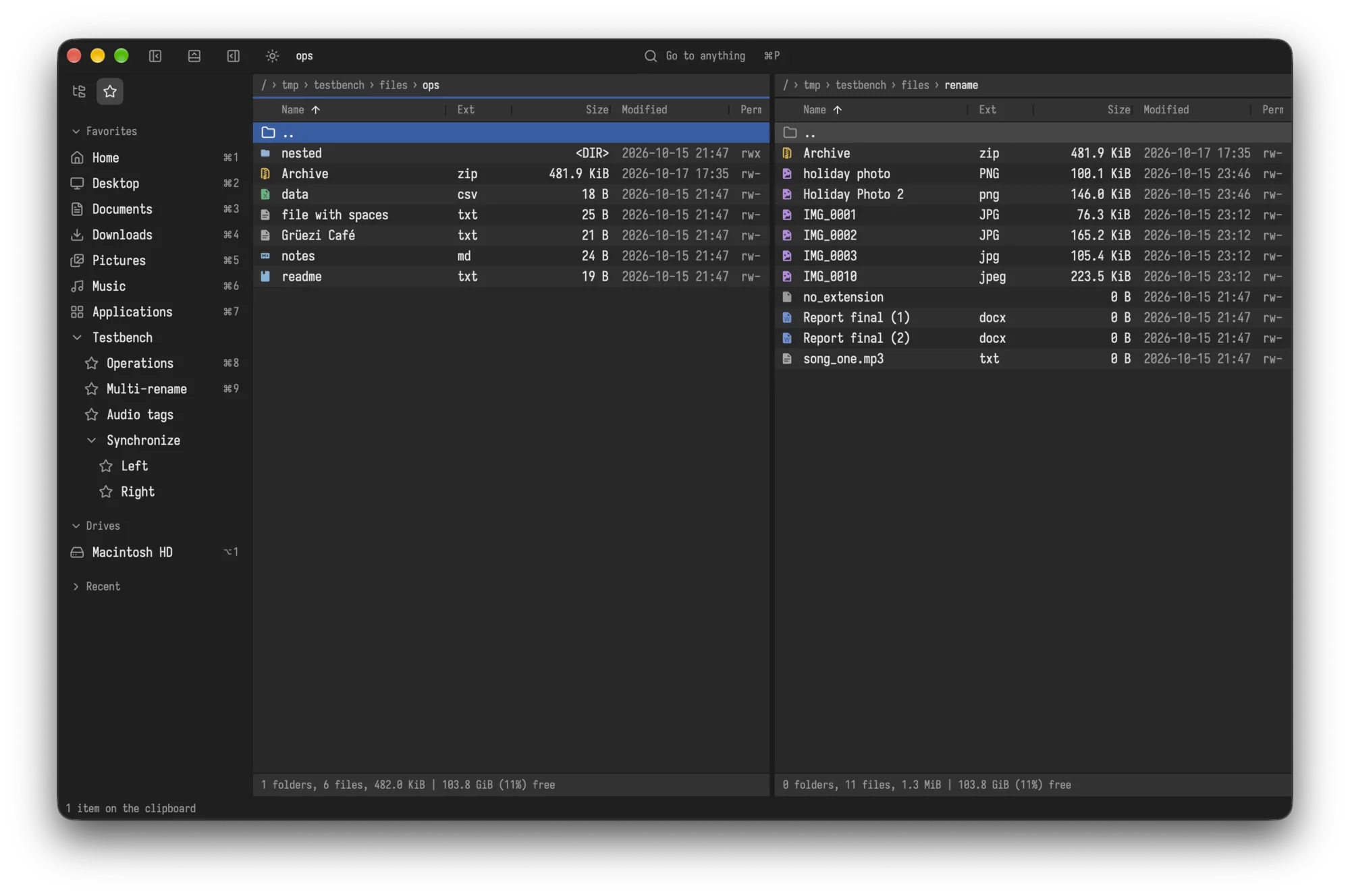
Each pane has its own folder. Favorites, drives and recent places wait in the sidebar, each with its own shortcut.
02
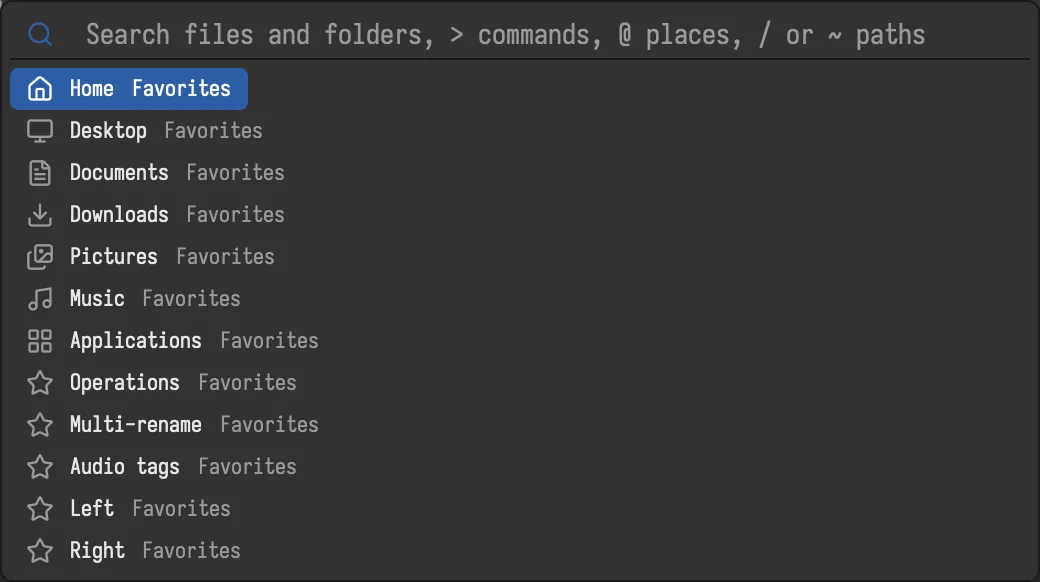
Go to anything.
One search for files, folders, places and commands. Start with > for commands, @ for places, or simply type a path.
03
See before you open.
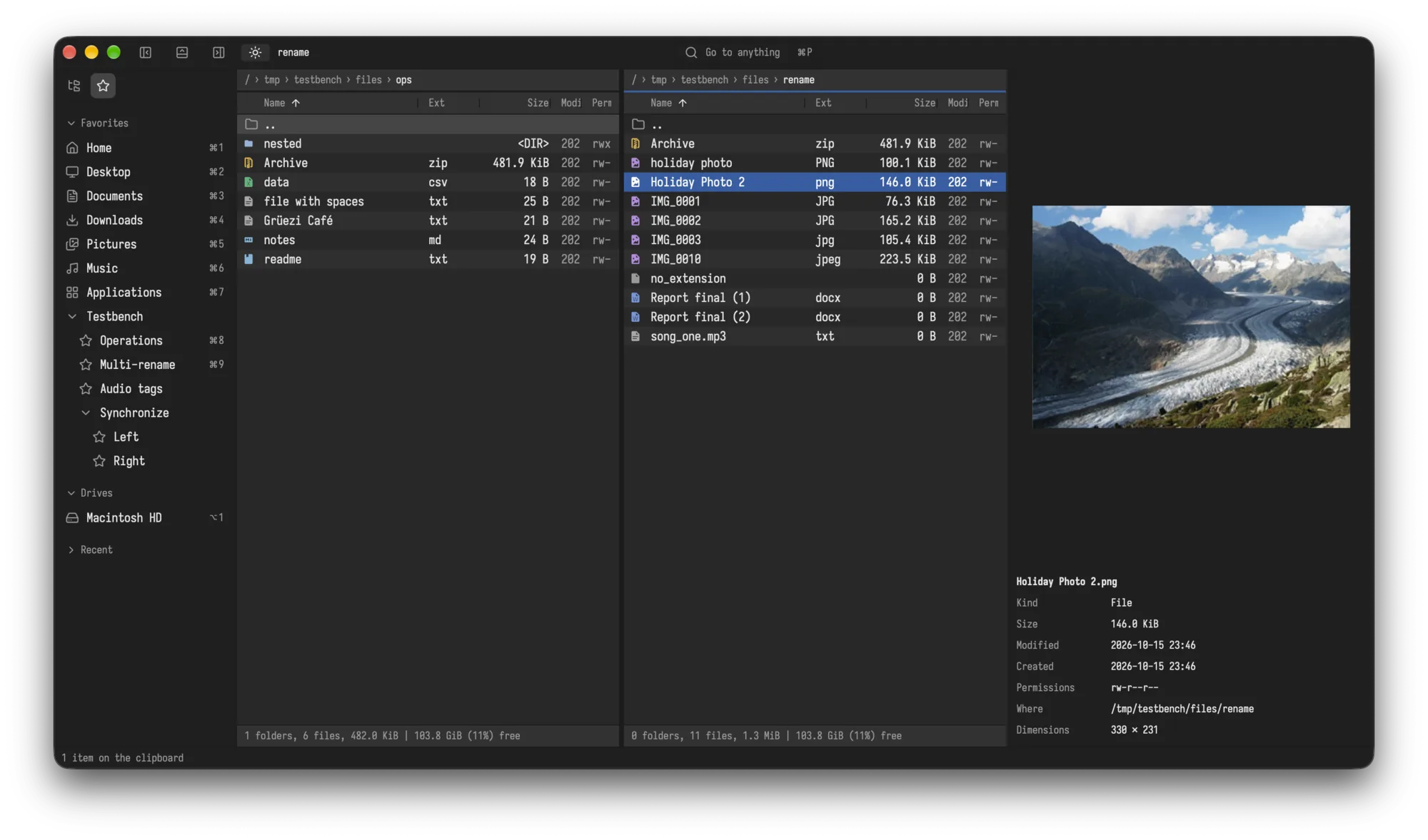
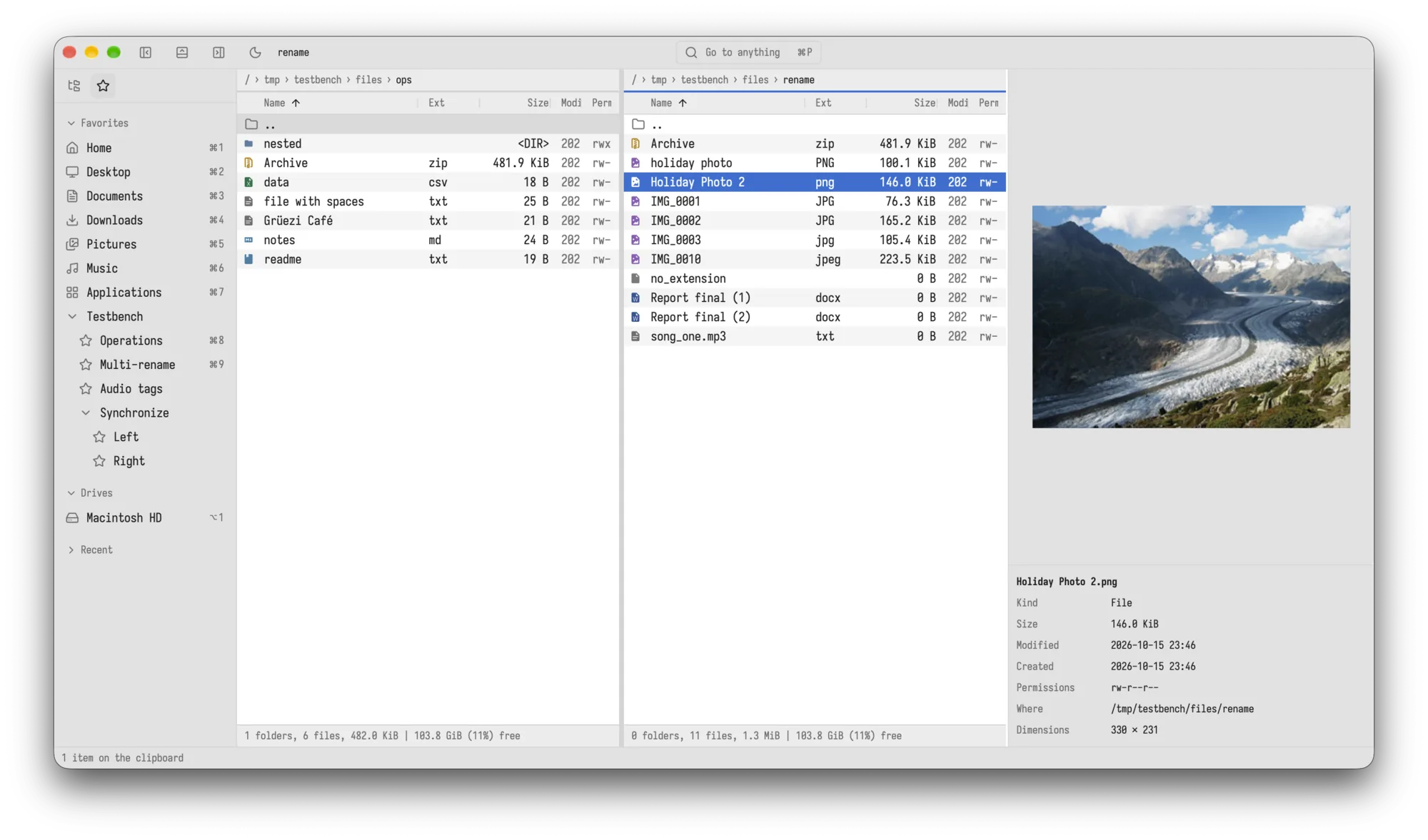
A preview pane shows the picture and the details next to the list: size, dates, permissions and dimensions.
04
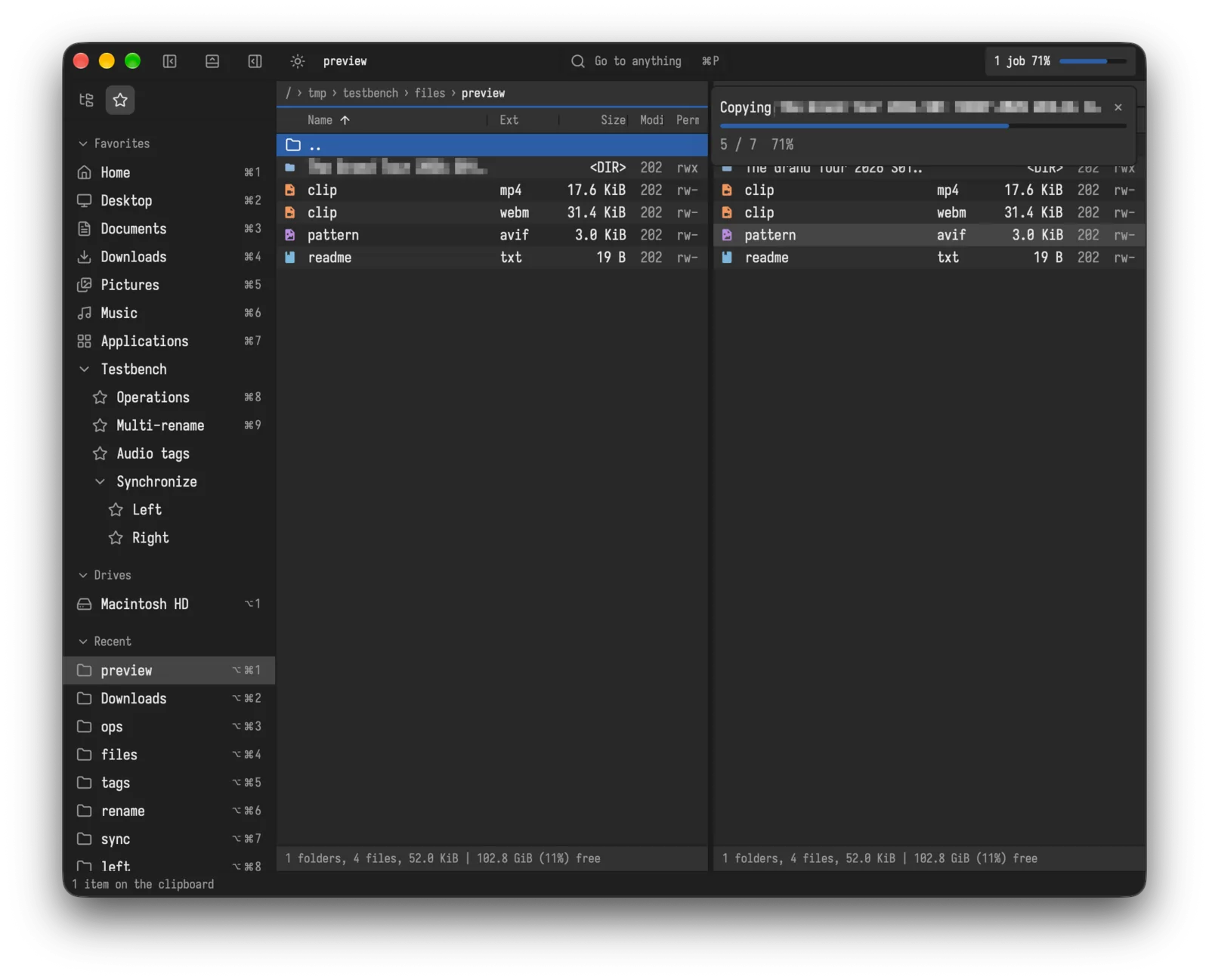
Copy with confidence.
Copies run in the background with progress. If a file already exists, you decide: overwrite, skip, keep both or overwrite if newer.
05
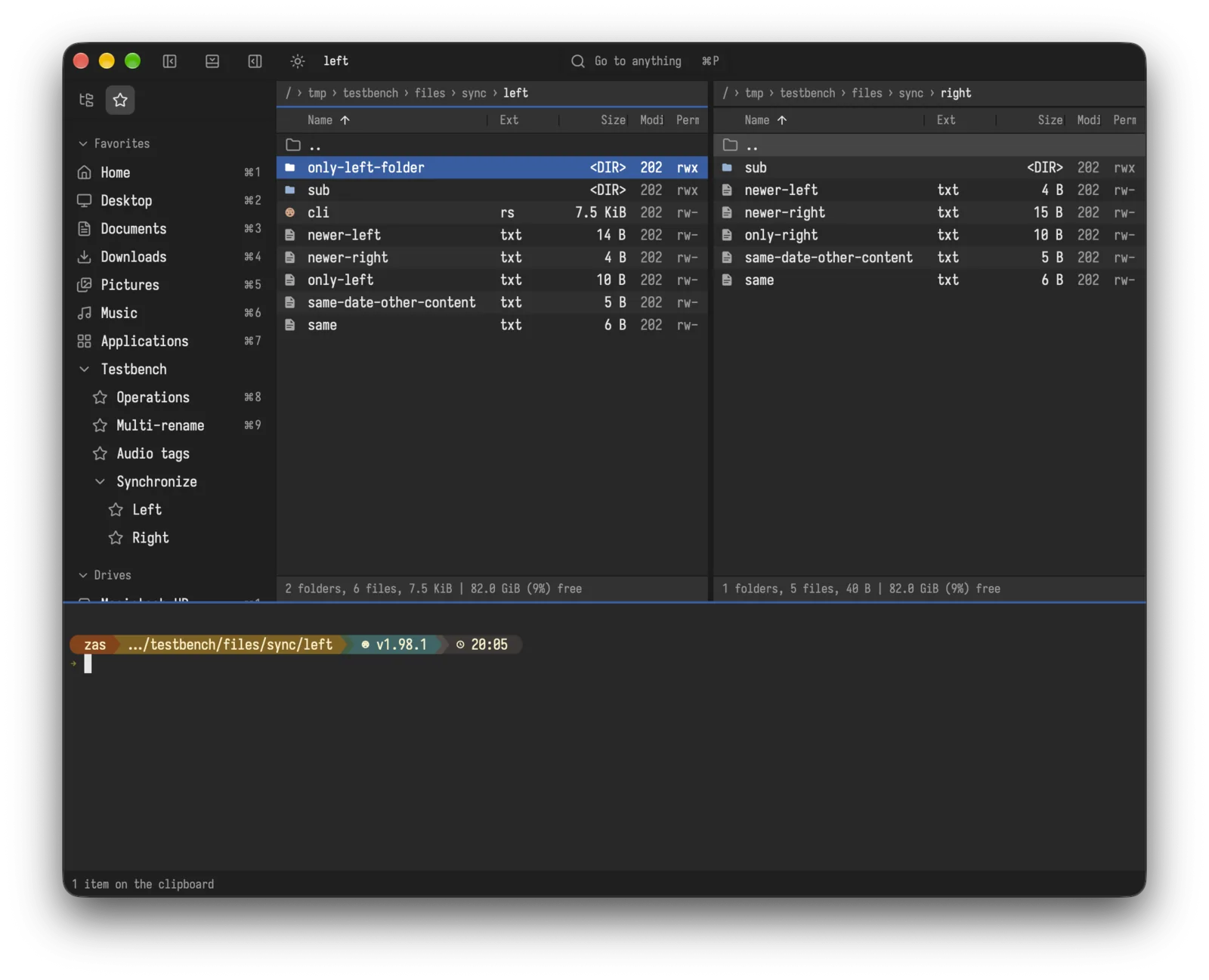
A terminal, right there.
Open a shell below the panes, already in the folder you are looking at.
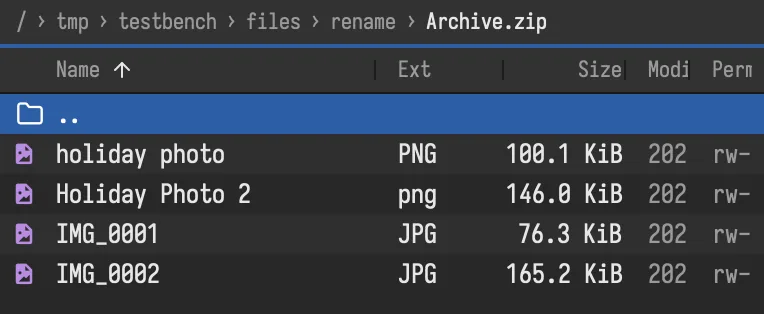
Archives are folders.
Open a zip like any folder. Pack items into zip or 7z, with a password if you like.
Find what you mean.
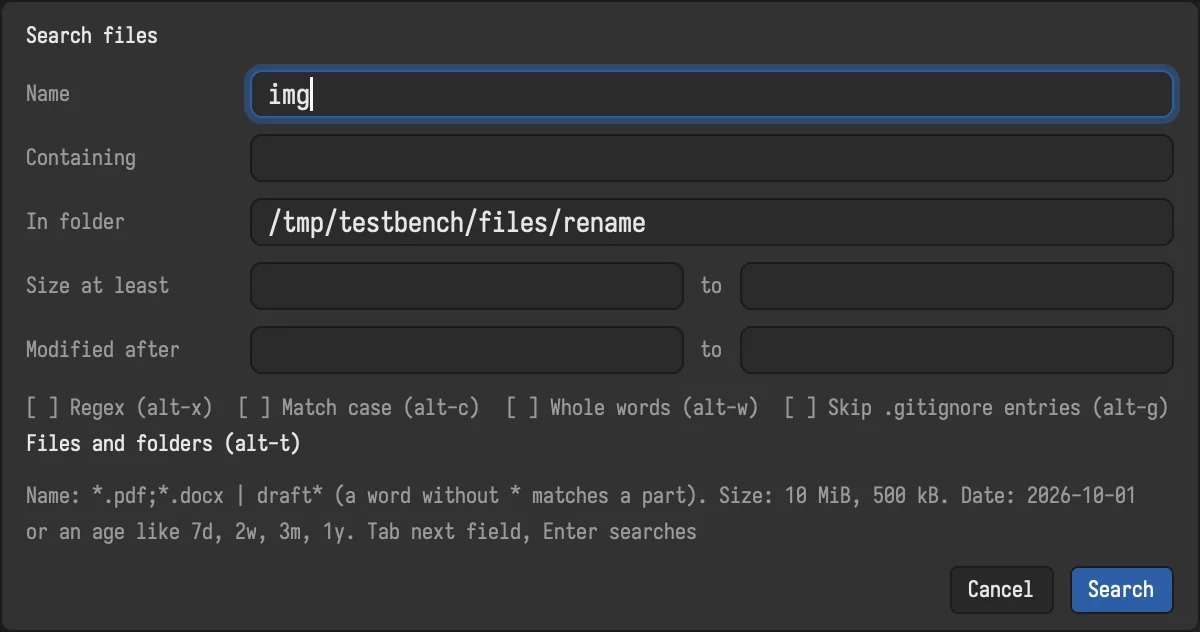
Search by name, by text inside files, by size and by date. Use patterns or regular expressions, and skip what .gitignore skips. Results open as a list you can work on.
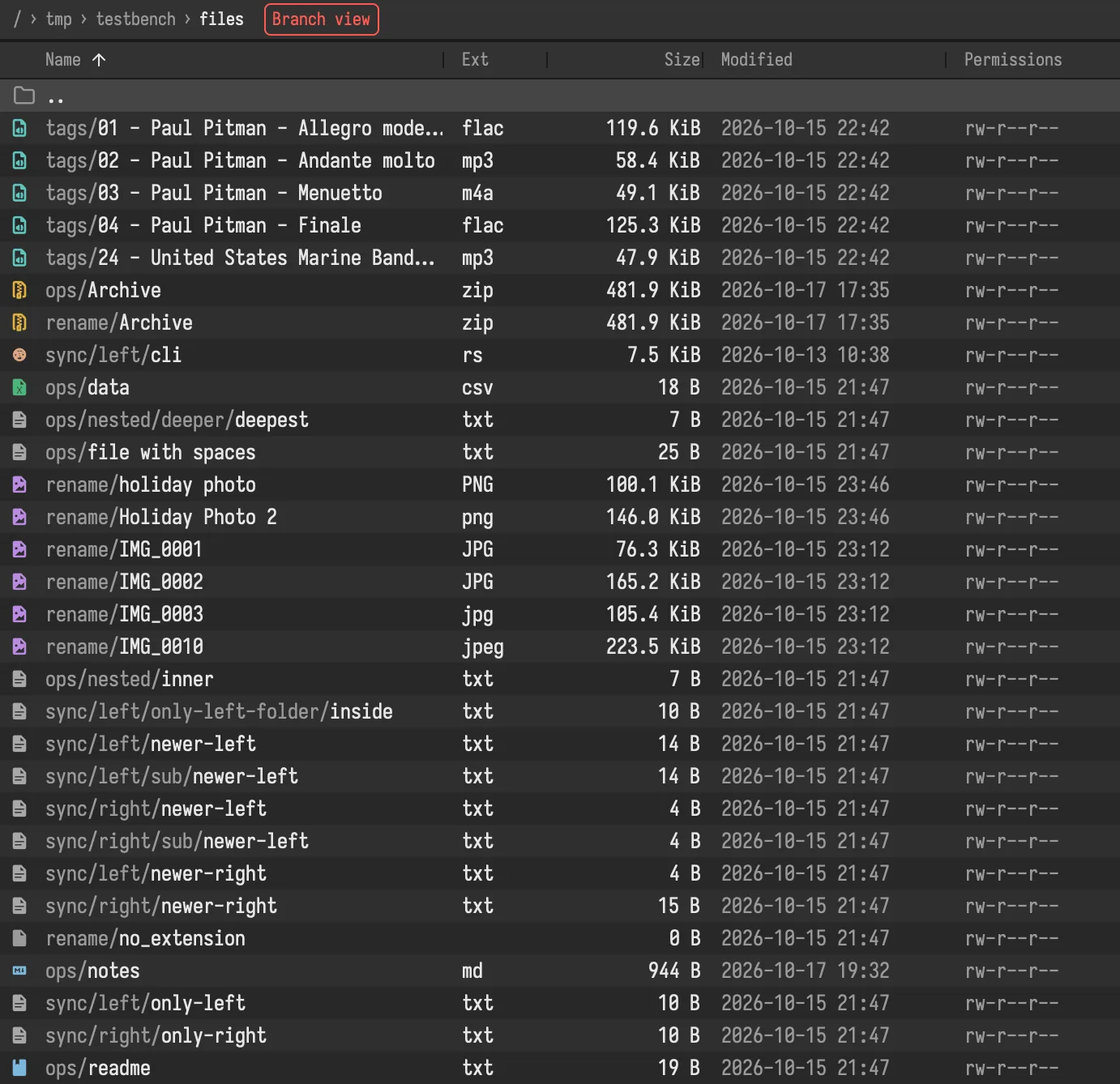
Branch view.
Show every file of a folder and all its subfolders as one flat list. Find the needle without opening a single folder.
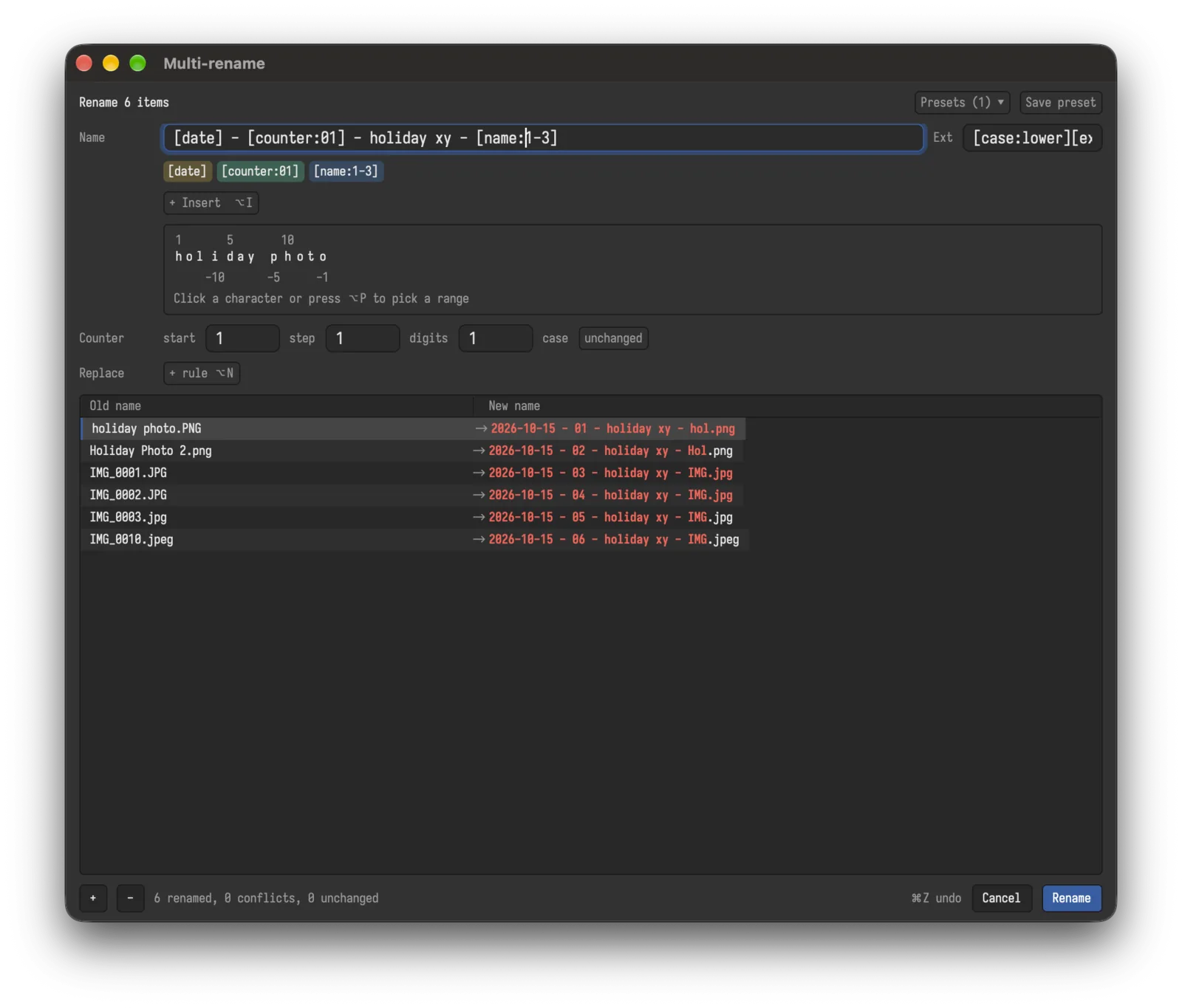
Rename a hundred files at once.
Build names from tokens like [date], [counter] and [name:1-3]. The preview updates as you type, conflicts show before anything changes, and undo is one key. Keep your recipe as a preset.
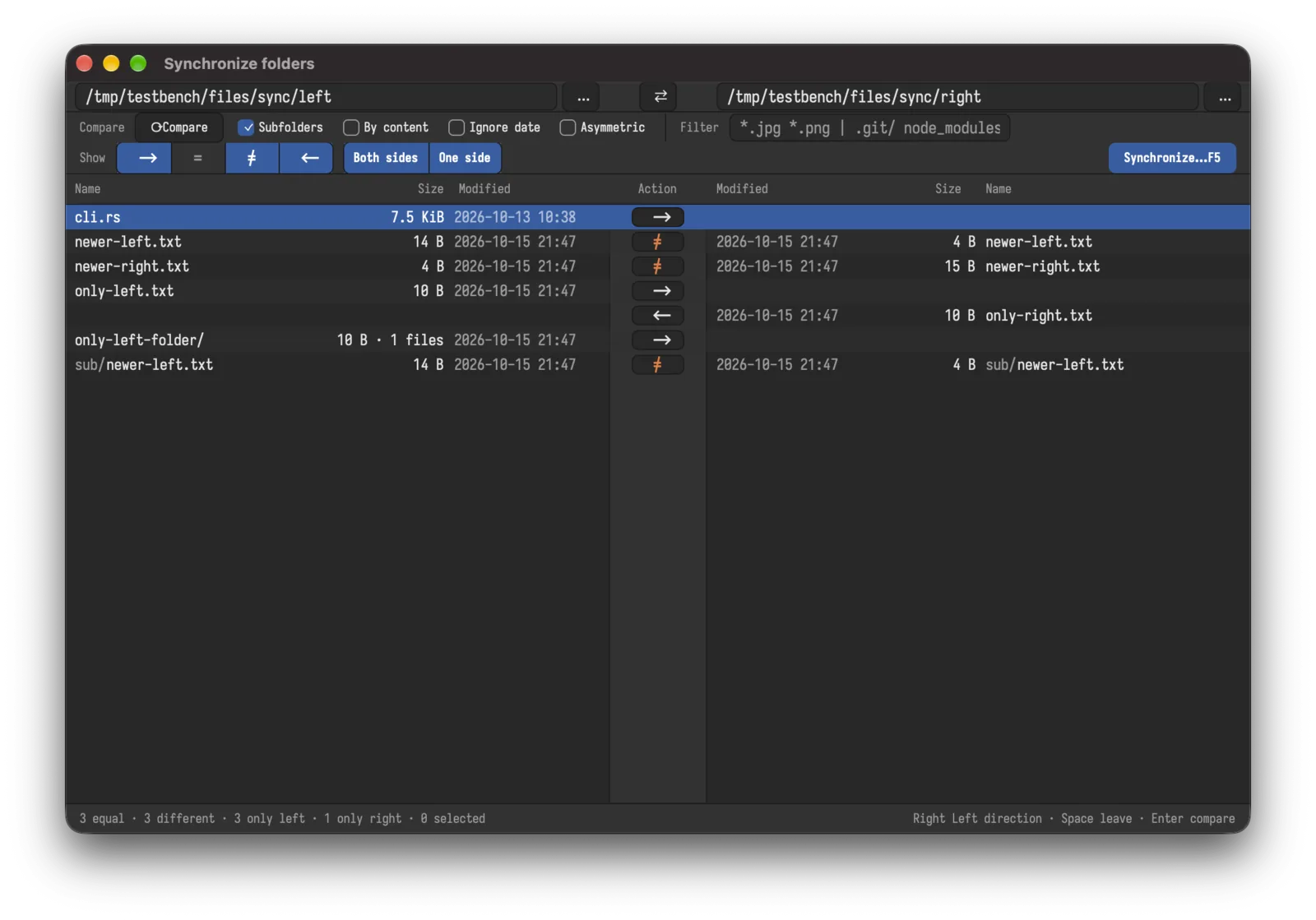
Synchronize folders.
Compare two folders and see what is newer, missing or different. Decide the direction for every file, filter by pattern, compare by content, or mirror one way.
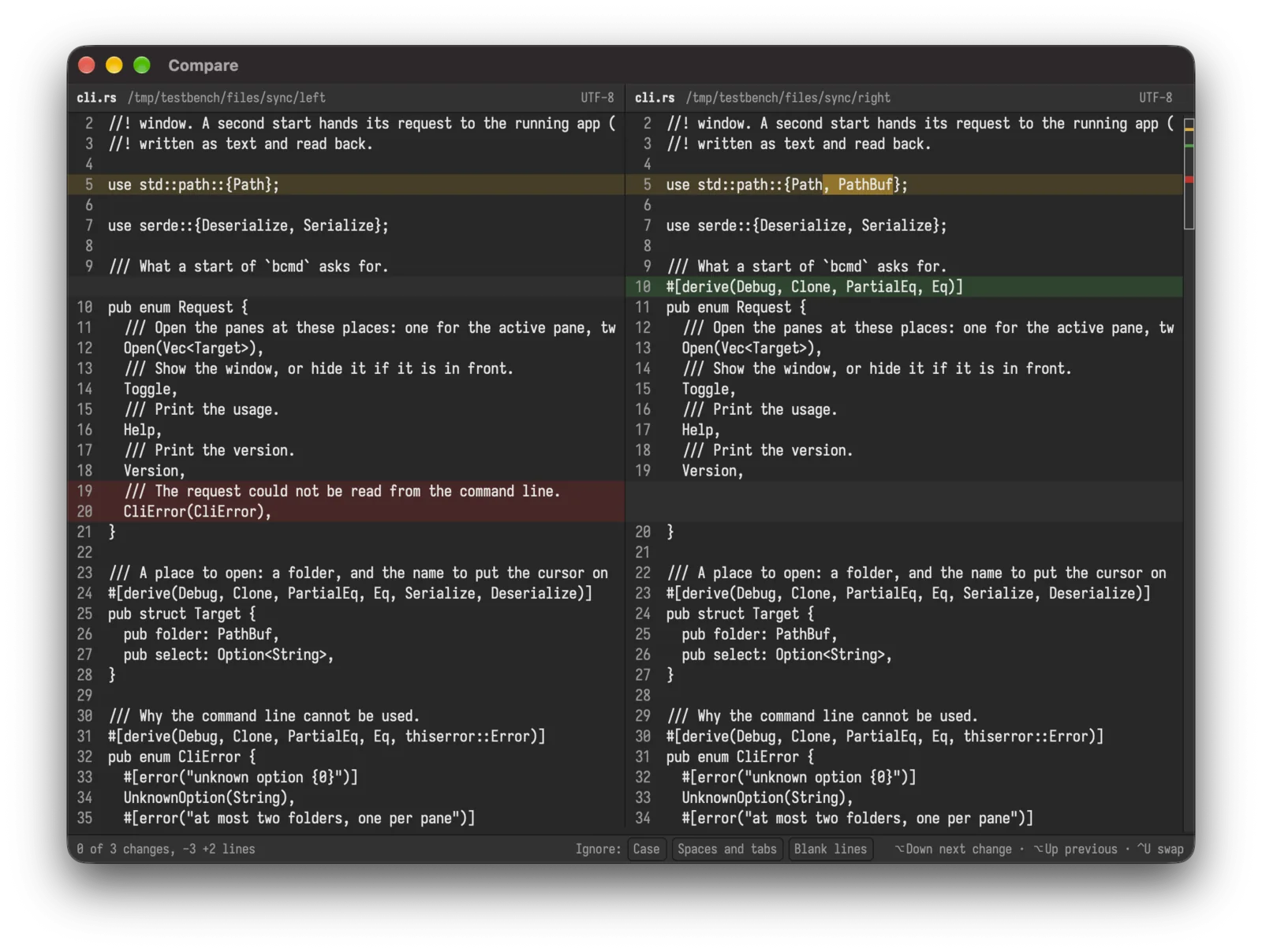
See every difference.
Compare two files side by side with changes marked per line and inside the line. Ignore case, spaces or blank lines, jump from change to change, swap the sides.
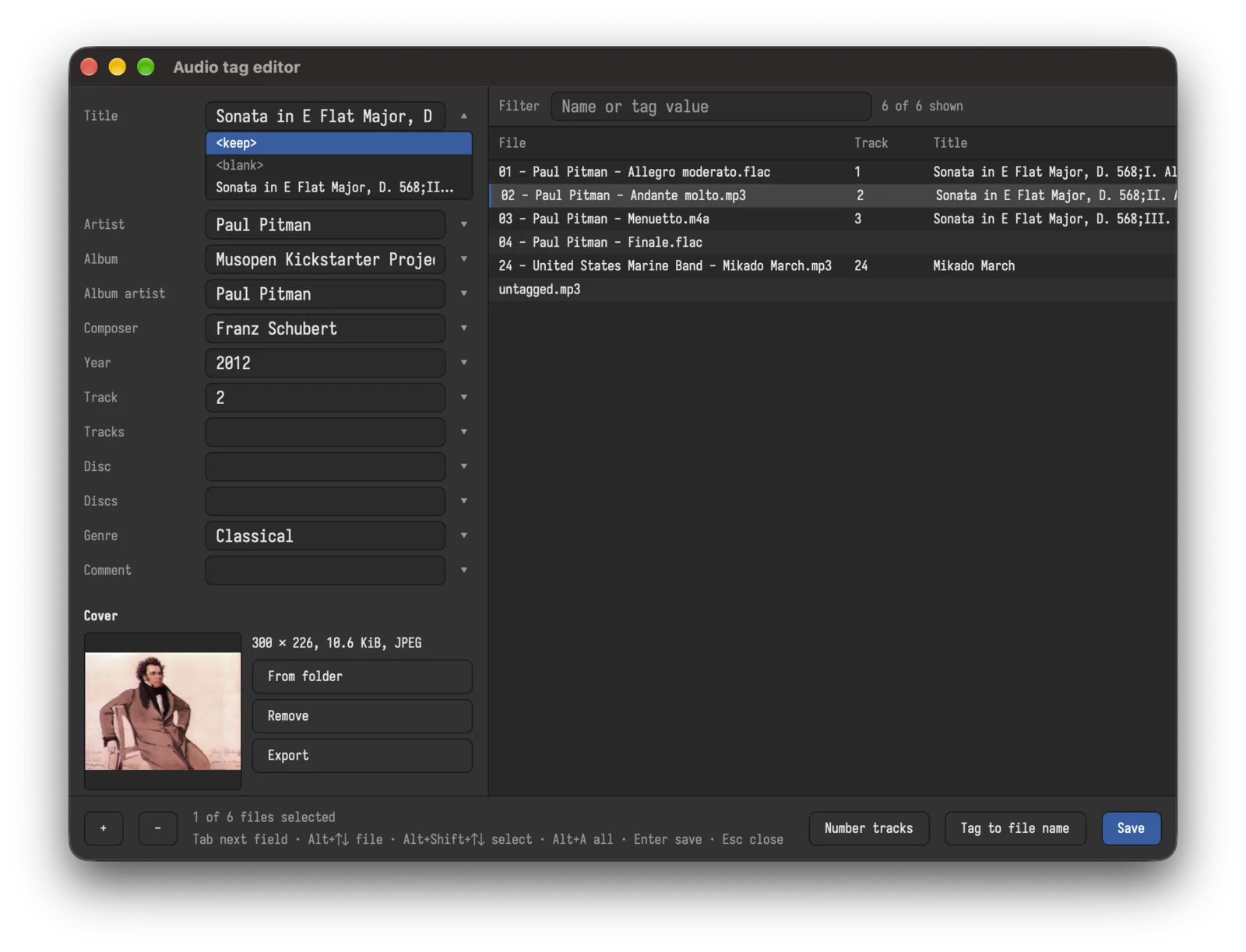
Tag music like a pro.
Edit titles, artists, albums and covers for many files at once. Fill tags from file names or name files from tags. Works with FLAC, MP3 and M4A.
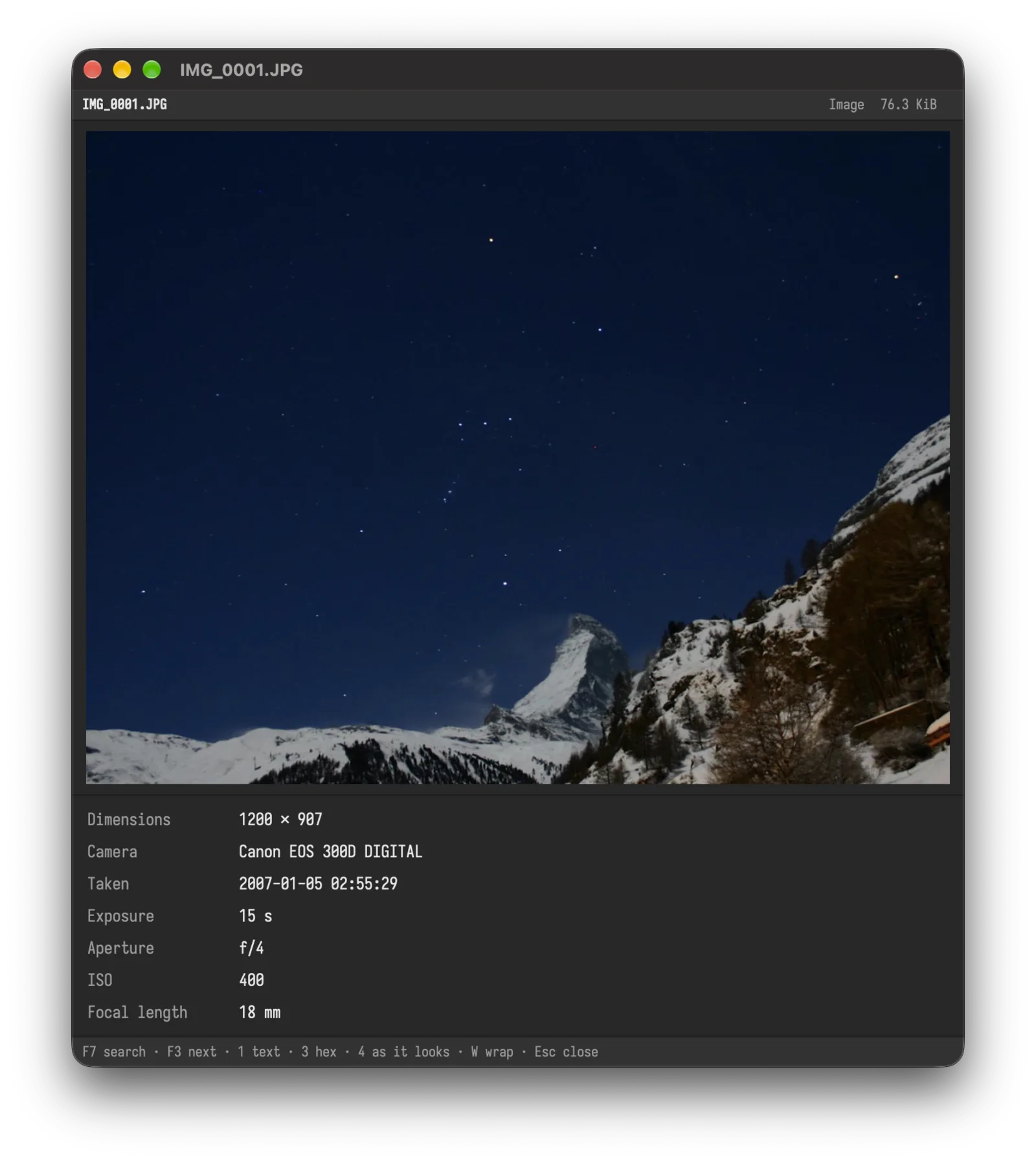
Look inside anything.
One quick viewer for text, hex, pictures with their camera data, and Markdown with tables and formulas.
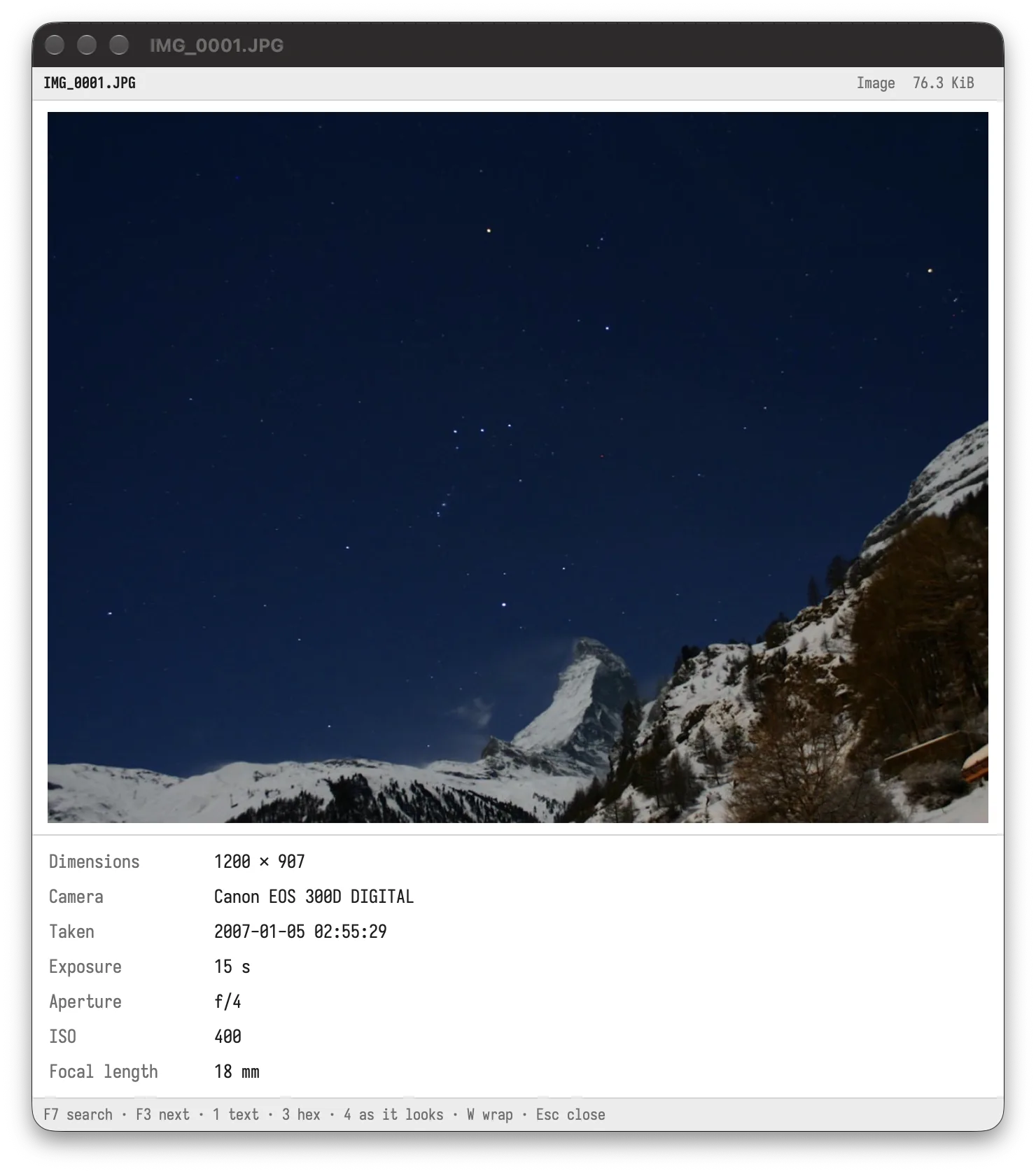
Light, dark, your colour.
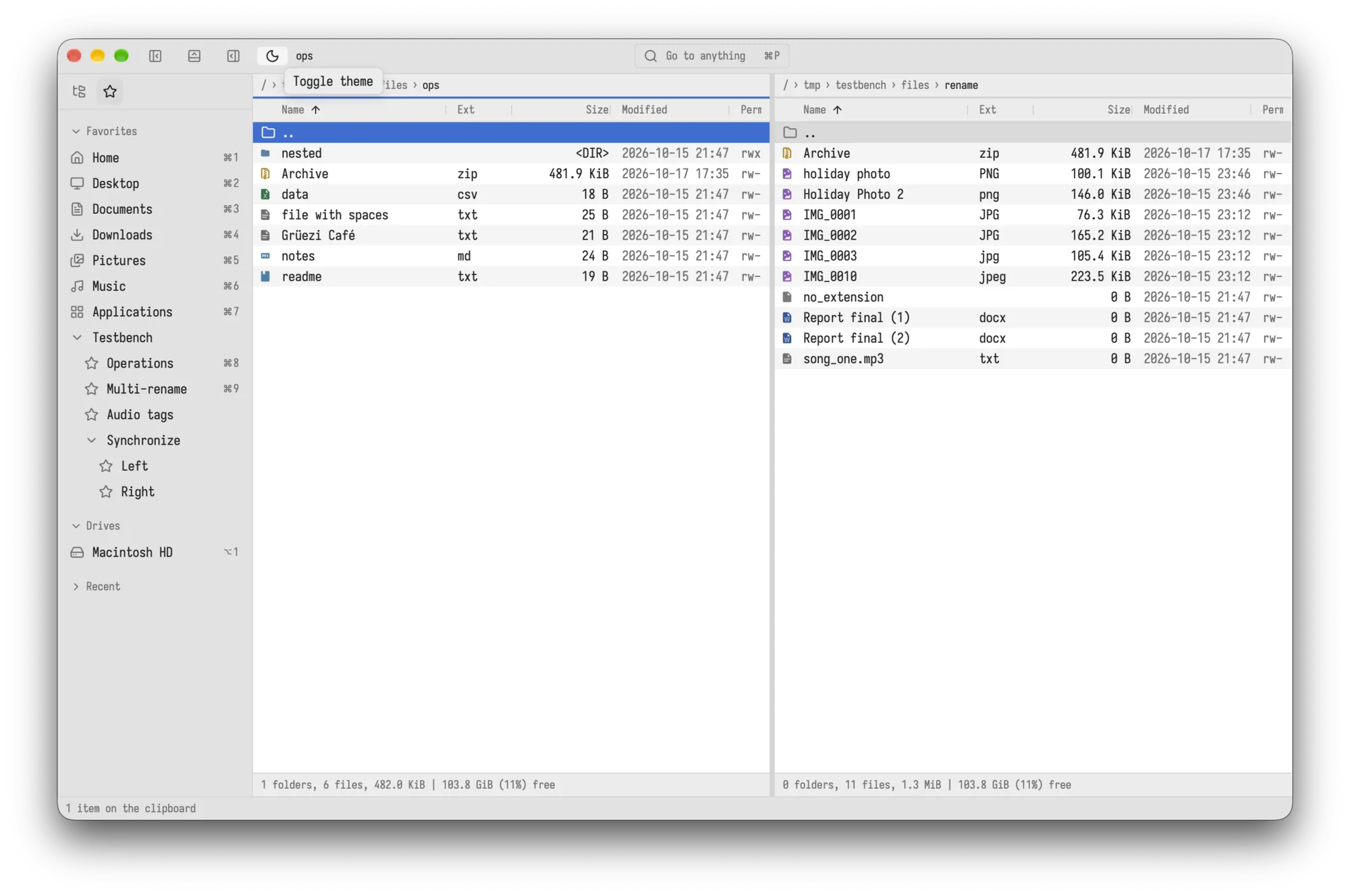
Switch between a light and a dark theme with one click, and choose the highlight colour that suits you.
Specifications
- Platform
- macOS, Windows, Linux
- Licence
- Shareware, 30-day trial
- Activation
- One key per computer, online once
- Themes
- Light and dark, with your own highlight colour
- Shortcuts
- All configurable
- Archives
- zip and 7z, with password
- Audio tags
- FLAC, MP3, M4A
At a glance
 Bella Commander
- ⌘⌥Shortcuts, all configurable
- ⌘PGo to anything
- zip 7zArchives as folders
- Your highlight colour
- Multi-rename
- Compare files
- Light and dark
- Synchronize folders
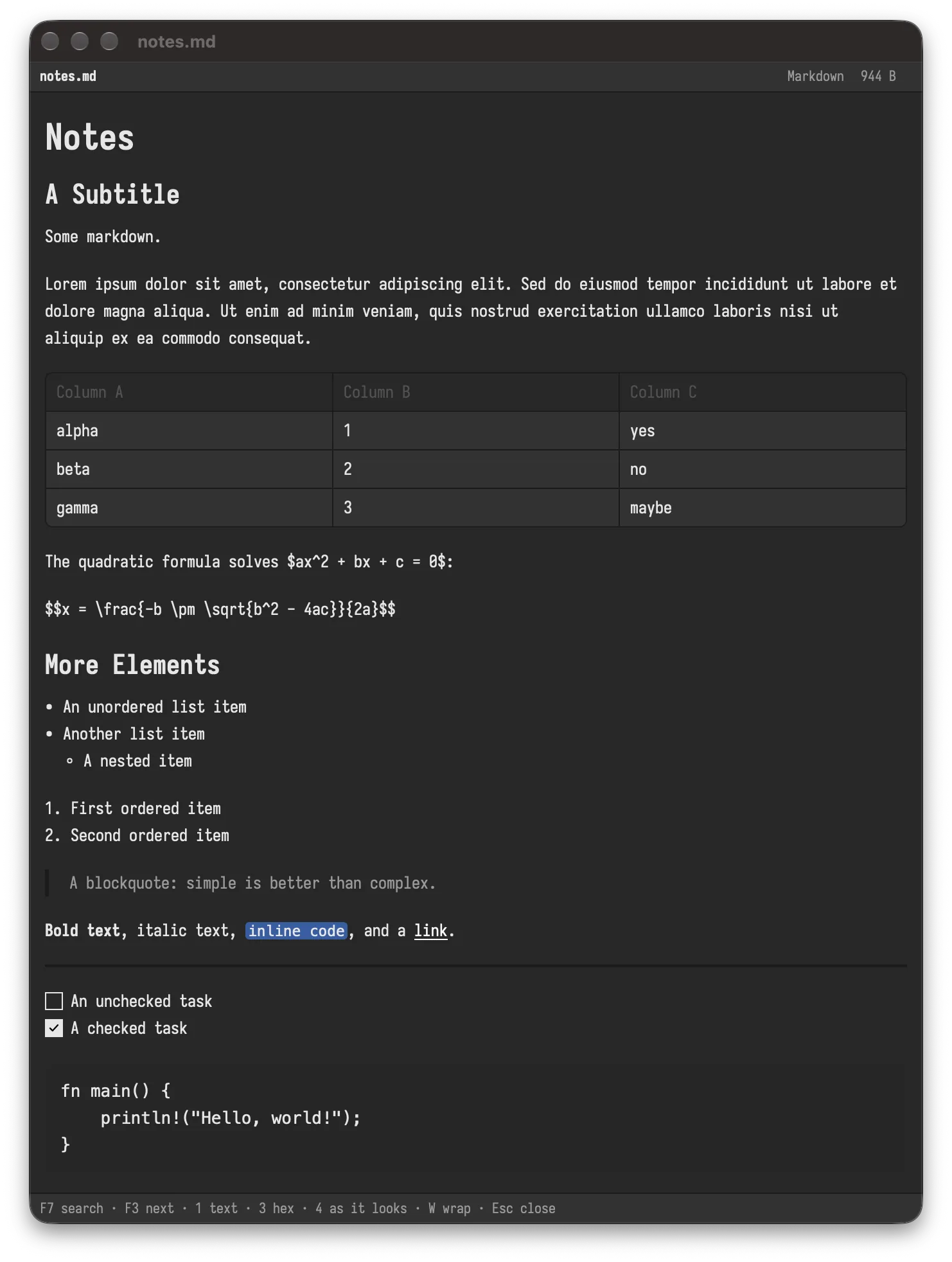
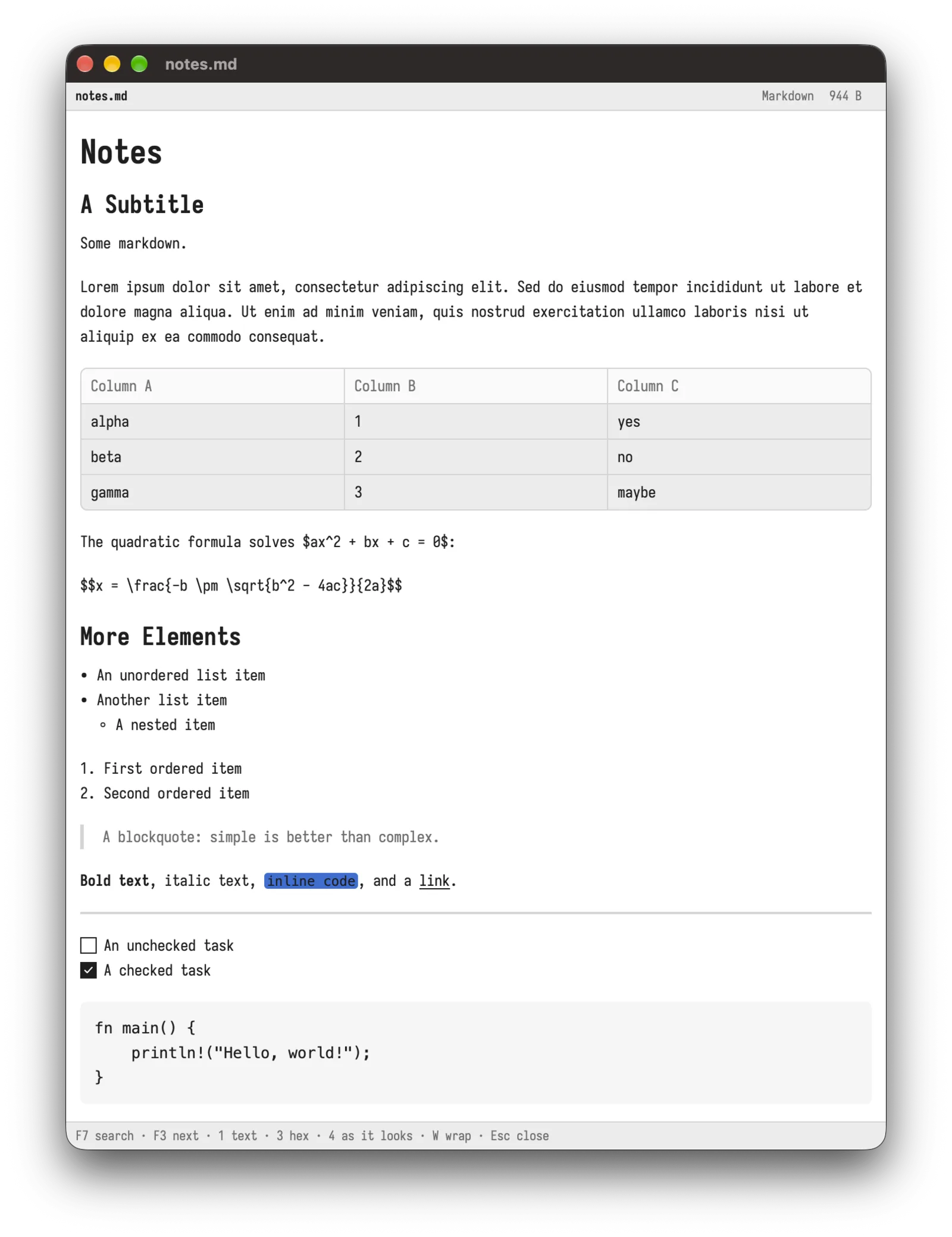 Markdown viewer
- >_Built-in terminal
- Audio tags
- Preview pane
- Branch view
- Docs ↗Read the documentation
Try it for 30 days.
Download the trial. If it fits, buy a licence and activate it once online. A licence can move to a new computer.
Download link coming soon.